


Most policyholders assume checking an insurance policy online is quick. Then the login screen loads. Suddenly you are stuck guessing which page handles registration, which button starts the mycigna login process, and why your password reset email never shows up.
We tested the flow ourselves. Our analysis suggests the confusion is not your fault. The Cigna Hong Kong portal splits its login, registration, and recovery across separate pages, and that trips up plenty of first-time users.
If you have been trying to access your policy details without success, this walkthrough fixes that.
Main Lessons
- The mycigna login portal lives at mycignahk.com.hk, with separate links for Login, Registration, and Forgot Password.
- Registration starts with your HKID or Passport Number, document type, and Date of Birth before you click Next.
- Password resets run through the Forgot Password page, where you enter your username and click Continue to receive a reset email.
What Is the MyCigna Login Portal?
Insurance portals often look identical from the outside. The difference shows once you try to do something specific.
The MyCigna HK portal lets you view your policy, check coverage, and manage claims from one dashboard.
Our team observed that the homepage at mycignahk.com.hk carries three clear actions: Login, Registration, and Forgot Password?
That is the reason so many users land on the wrong screen. Each action is its own page, not a single combined form.
How Do You Sign Up for a MyCigna Account?
Registration sounds simple until the identity check rejects your details. The portal matches your entry against Cigna’s records exactly, so one wrong digit stops the whole process.
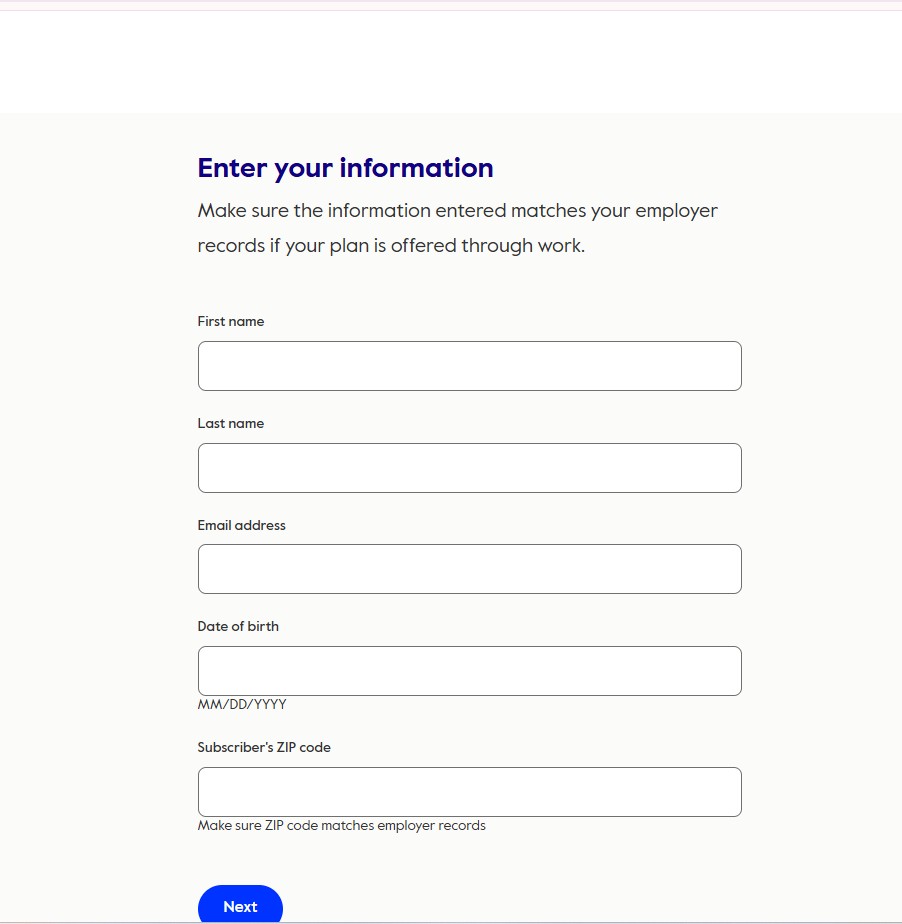
Here is the correct order, based on the official registration page.
| 1 | Open the Registration page at mycignahk.com.hk/en/register/member-info. |
| 2 | Under Main Account, enter your HKID / Passport Number. For an HKID like A123456(7), type it as A1234567 with no brackets. |
| 3 | Select your Identity Document Type from the dropdown. The default option is HKID. |
| 4 | Enter your Date of Birth in the DD / MM / YYYY fields. |
| 5 | Click the Next button to continue. |
After you click Next, the portal validates your identity against Cigna’s records. We found that a match moves you to the account setup steps, where you confirm contact details and create your username and password.
If validation fails, the page holds you on the same screen. Recheck your HKID format and Date of Birth first. Those two fields cause most rejected attempts.
How Do You Complete the MyCigna Login?
Signing in looks like one click. In practice, the mycigna login routes through an Okta authentication layer, which adds a redirect step some users are not expecting.
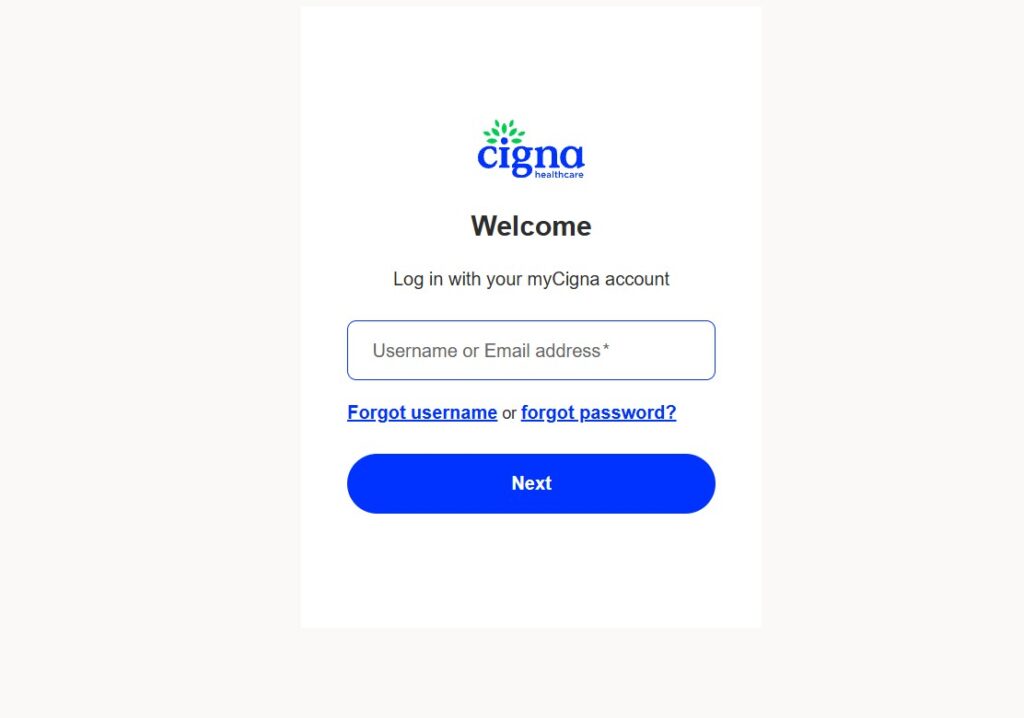
Follow these steps for a clean sign-in.
| 1 | Visit the homepage at mycignahk.com.hk |
| 2 | Click the Login button. |
| 3 | You are redirected to the secure Okta sign-in page at prod.login.mycigna.com.hk. |
| 4 | Enter your username and password in the fields shown. |
| 5 | Click Sign In to submit. |
| 6 | After verification, you land on your policy dashboard. |
verification, you land on your policy dashboard.
Our analysis suggests the redirect is normal, not a phishing risk. The URL shifting to prod.login.mycigna.com.hk is the official mycigna login authentication step.
One warning from testing: the portal locks access after five failed attempts. If you are unsure of your password, reset it before you get locked out.
What If You Forget Your MyCigna Password?
Password recovery is where most sessions stall. The reset email either arrives late or lands in spam, and users assume the tool is broken. It usually is not.
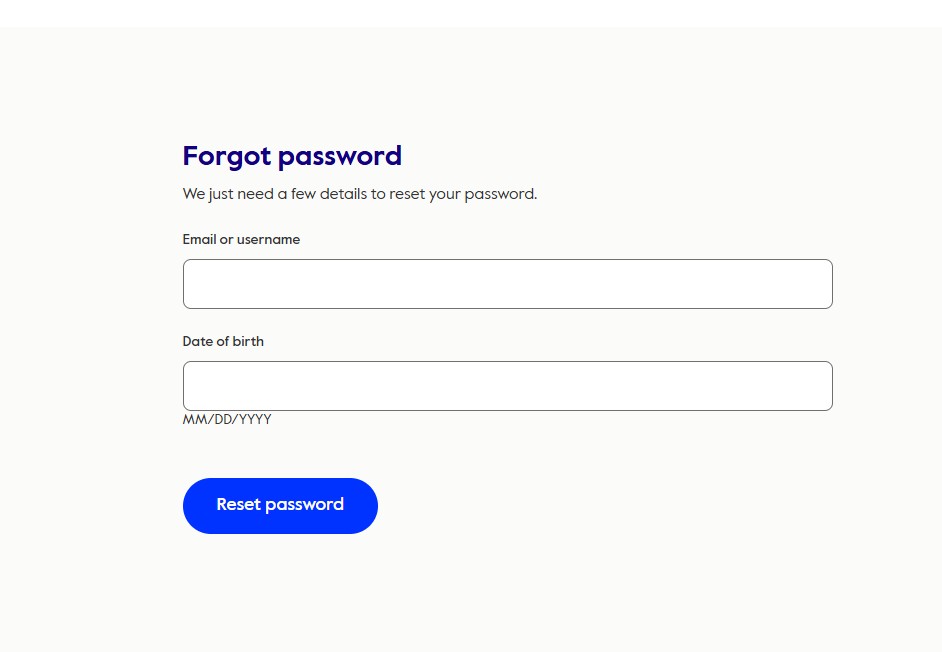
Use the dedicated recovery page for a fast fix.
| 1 | Go to the Forgot Password page at mycignahk.com.hk/en/forgot-pw/username. |
| 2 | Enter your Username in the field provided. |
| 3 | Click the Continue button. |
| 4 | The system sends a password reset email to the address on your account. |
| 5 | Open that email and follow the reset link to set a new password. |
If you have been following insurance portals, this won’t come as a surprise: the reset link expires. Use it quickly, and check your spam folder if it does not appear within a few minutes.
Still stuck after the reset email? Contact Cigna Customer Service directly for a manual reset.
Can You Access MyCigna on Mobile?
Desktop is not the only option. Industry insiders are noting that most policyholders now check coverage from a phone, and the MyCigna HK app covers the same login, registration, and reset actions.
Download it from the official stores:
- Android: Google Play Store
- iPhone / iPad: Apple App Store
The app mirrors the web flow. You still click Login, enter credentials, and can tap Forgot Your Password to trigger the same reset email.
For US-based Cigna members, the portal is different. Use my.cigna.com instead, which runs its own registration and recovery tools.
FAQs
Where do I start the mycigna login process?
Start at mycignahk.com.hk and click the Login button. You are then redirected to the secure Okta sign-in page to enter your credentials.
Why does my login redirect to a different URL?
The mycigna login uses Okta authentication. The shift to prod.login.mycigna.com.hk is the official, secure sign-in step, not an error.
What information do I need to register?
You need your HKID or Passport Number, your Identity Document Type, and your Date of Birth in DD/MM/YYYY format.
My registration keeps failing. Why?
The details must match Cigna’s records exactly. Recheck your HKID format and Date of Birth, since these two fields cause most failures.
How long does the password reset email take?
Usually a few minutes. If it does not arrive, check your spam folder or contact Cigna Customer Service for help.
Is there a mobile app?
Yes. The MyCigna HK app is available on both the Google Play Store and the Apple App Store, with the same login and reset features.


