

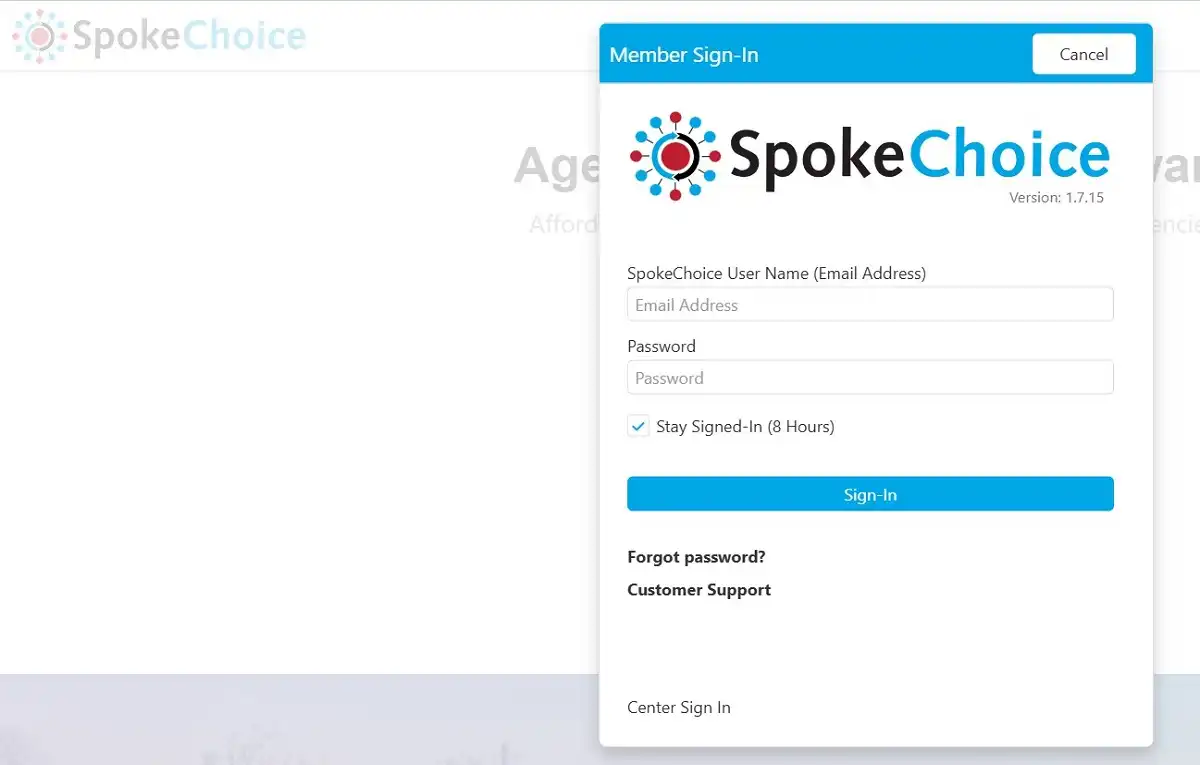
SpokeChoice is a web-based platform designed to streamline Electronic Visit Verification (EVV) and timesheet management for home care providers and agencies. It offers a user-friendly interface for caregivers to clock in and out, check schedules, view authorizations, and write progress notes. For guardians and designees, SpokeChoice Login facilitates the approval of provider hours and the monitoring of authorizations. This system is crucial for agencies providing services through programs that require EVV compliance.
SpokeChoice About
SpokeChoice enhances operational efficiency and ensures compliance with EVV mandates. By capturing the precise time and location of service delivery, SpokeChoice helps prevent fraud and improves accountability.
Key benefits of using SpokeChoice:
- Efficient Clock-In/Out: Caregivers can quickly and easily clock in and out using a mobile device or tablet.
- Real-time Monitoring: Agencies and guardians can monitor visits in real-time, ensuring that services are delivered as scheduled.
- Accurate Timesheets: SpokeChoice automates timesheet creation, reducing errors and saving administrative time.
- EVV Compliance: The system meets all EVV requirements, ensuring that agencies remain compliant with state and federal regulations.
SpokeChoice Login: Accessing the Platform
Accessing SpokeChoice is a straightforward process that requires a valid username and password. The platform is best accessed through Google Chrome or Microsoft Edge browsers. Safari on iPhones is not compatible.
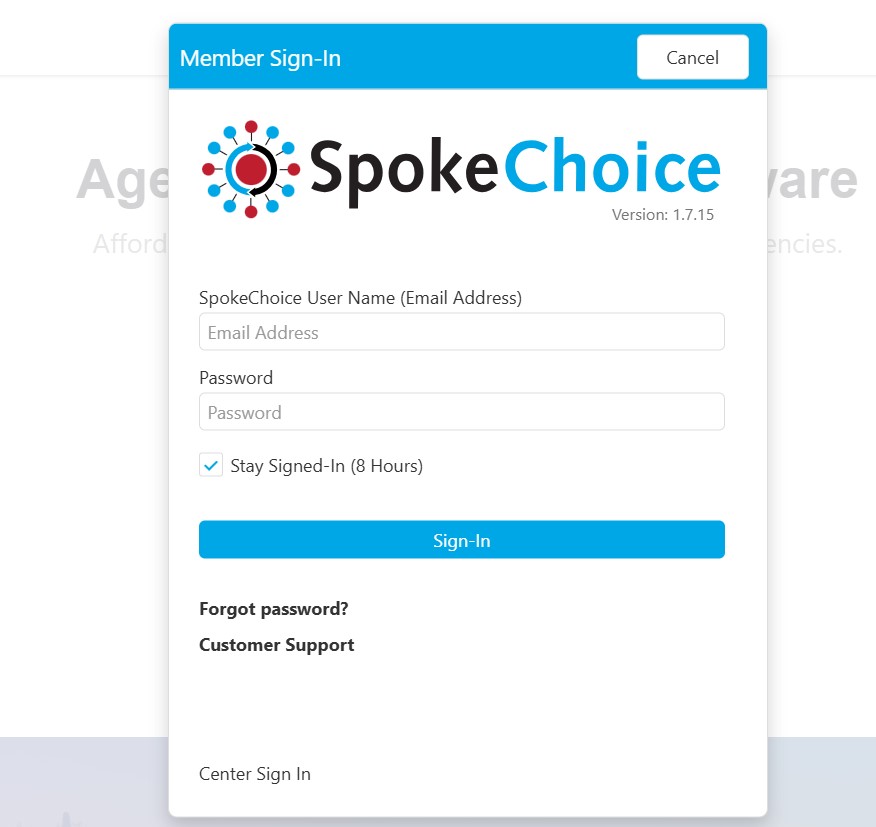
Steps to SpokeChoice Login:
- Open a Compatible Browser: Use Google Chrome or Microsoft Edge on your device.
- Enter the Correct Link: Make sure to use the updated link: https://www.spokechoice.com/landing.
- Navigate to the Login Page: Go to www.spokechoice.com and select “Sign In”.
- Enter Your Credentials: Enter your username and password.
- Enable Location Services: If prompted, allow the application to access your location. This is essential for EVV compliance.
- Access Your Account: Once logged in, you will see the applications available to you1.
SpokeChoice Login Issues
Users may occasionally encounter login issues. Here are some common problems and solutions:
- Incorrect Link: Ensure you are using the correct and updated link, which should contain “/landing” at the end.
- Browser Incompatibility: SpokeChoice recommends using Microsoft Edge or Chrome browsers. Safari on iPhones is not compatible.
- Location Settings: Make sure that location services are enabled on your device and that SpokeChoice has permission to access your location.
- Cache and Cookies: Clear your browser’s cache and cookies to ensure you have the latest version of the website.
- Forgotten Password: If you forget your password, use the “Forgot Password” link on the login page to reset it.
Recovering a Forgotten Password
If you can’t remember your SpokeChoice password, follow these steps to reset it:

- Go to the Login Page: Visit the SpokeChoice login page.
- Click “Forgot Password”: Select the “Forgot Password” option.
- Follow the Prompts: Follow the instructions to set up a new password.
- Check Your Email: Look for an email with a link to reset your password. If you don’t receive the email, contact your agency’s administrator for assistance.
SpokeChoice Features and Functionality
SpokeChoice offers a range of features designed to simplify caregiver management and ensure EVV compliance.
Key features of SpokeChoice:
- AutoVisit: Uses Electronic Visit Verification (EVV) to verify visits.
- Scheduling: Allows caregivers to view their schedules and clock in/out for appointments.
- Progress Notes: Enables caregivers to write and submit progress notes.
- Authorization Tracking: Allows caregivers and guardians to check client authorization hours.
- Reporting: Generates reports on visit data, timesheets, and other key metrics.
- Missing Clock-In/Out: Allows users to fix missed clock-in or clock-out times within two days of the shift. After two days, you must contact your Area Manager to enter the shift information.
- Request Sick Time: Allows users to submit sick time requests for regularly scheduled shifts.
Best Practices for Using SpokeChoice
To ensure a smooth and efficient experience with SpokeChoice, consider the following best practices:
- Use a Compatible Browser: Always use Google Chrome or Microsoft Edge.
- Enable Location Services: Ensure that location services are enabled on your device.
- Clock In/Out Promptly: Clock in and out at the start and end of each shift to avoid exemptions.
- Review Shifts Daily: Guardians should review and approve shifts daily to ensure providers are paid on time.
- Keep the App Updated: Regularly update the SpokeChoice app to access the latest features and bug fixes.
- Utilize the Scheduling Feature: Use the scheduling feature within SpokeChoice.
What is spokechoice?
https://www.spokechoice.com/
SpokeChoice is Arion Care Solution’s electronic visit verification (EVV) system for providers and consumers.
spokechoice login
https://www.spokechoice.com/landing
Open a compatible web browser like Microsoft Edge or Google Chrome on your device. Go to http://www.spokechoice.com/ in the address bar. Click on the three lines in the top right corner and select “Sign In”. Enter your login email and password.
spokechoice create an account
https://www.spokechoice.com/
Your agency admin will set up a profile for you in SpokeChoice.You will receive an email invitation to your registered email address. Click on the link in the email and enter the phone number associated with your account. Set a new password for your account. Click “Sign In” and enter your new password. You will be taken to your SpokeChoice dashboard.
spokechoice Forgot Password
https://www.spokechoice.com/landing
Reset their own passwords. No need to have providers doing extra work or. SpokeChoice allows provides a drag-and-drop interface to customize forms.
spokechoice app
https://www.spokechoice.com/
SpokeChoice is Arion Care Solution’s electronic visit verification (EVV) system for providers and consumers.
Spokechoice login employee
https://www.spokechoice.com/
Visit EPFO Website. Go to ‘Services’ and select ‘For Employees’ Now, navigate to ‘Member UAN/Online Services’. On the redirected page, enter all the required details – UAN, password and the captcha code. Click on ‘Sign in’ to login to EPF member portal.
Spokechoice login forgot password
https://www.spokechoice.com/
you forget your password you can recover it by following the prompts on the log in screen. Select “Forgot Password” to reset it.
SpokeChoice tutorial
https://www.spokechoice.com/
Arion Care Solutions offers a tutorial for SpokeChoice Autovisit on YouTube. SpokeChoice is an online timesheet system for caregivers that allows users to enter hours worked, check authorization hours, and view timesheets.
Spokechoice latest version
https://www.spokechoice.com/
The latest version of SpokeChoice, an electronic visit verification (EVV) system, includes several enhancements aimed at improving user experience and compliance.
spokechoice reviews
https://www.spokechoice.com/
Spokechoice has a rating of 1.0 star from 1 review, indicating that most customers are generally dissatisfied with their purchases.
Conclusion
SpokeChoice is transforming the way home care agencies manage their workforce and comply with EVV mandates. By offering a user-friendly platform with a comprehensive set of features, SpokeChoice empowers caregivers, guardians, and agencies to streamline operations, improve accuracy, and enhance accountability.
As the demand for home care services continues to grow, SpokeChoice is poised to play an increasingly important role in the industry.
Check Also:


